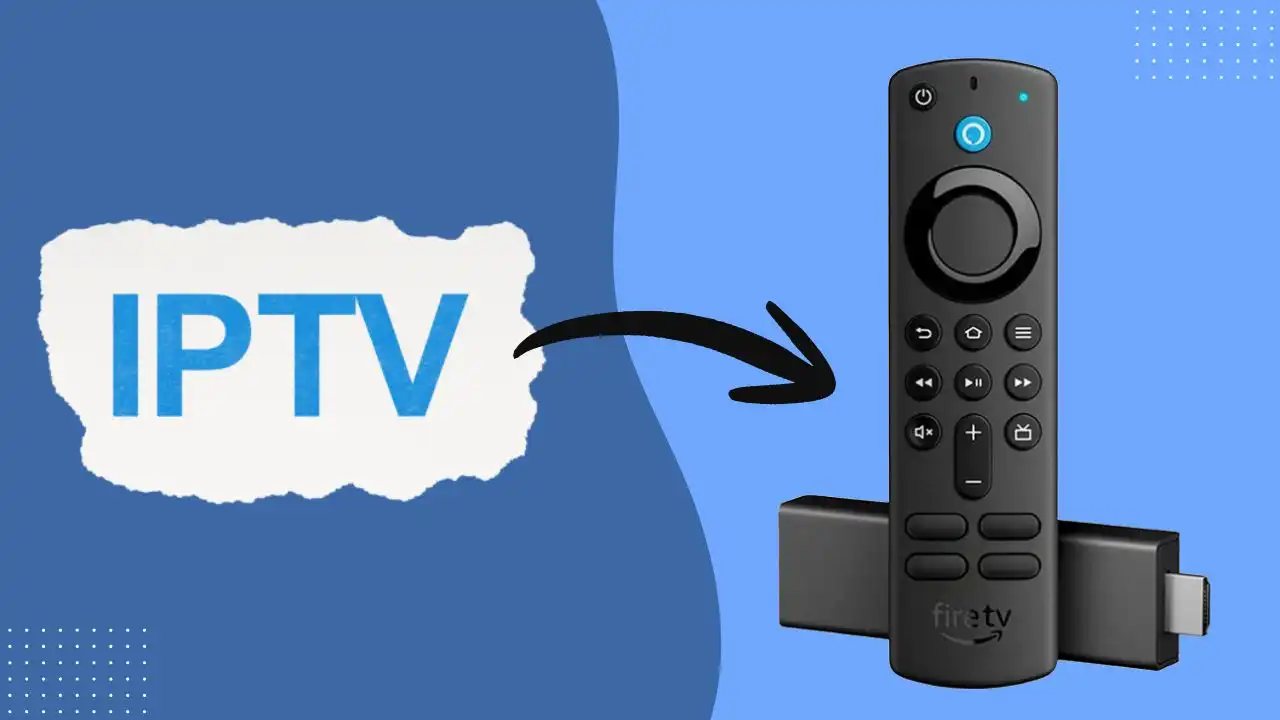
Firestick devices have become one of the most popular ways to stream content at home, but their built-in apps often limit you to subscription services like Netflix and Prime Video. If you’re looking to expand your entertainment options, the best IPTV for Firestick opens up access to thousands of live TV channels, on-demand libraries, and international programming. Setting up IPTV on your Firestick requires choosing the right combination of apps and subscription services, and this guide walks you through the options that actually work well on Amazon’s hardware.
What to Look for in an IPTV for Firestick
Before selecting specific apps or services, understand what separates a reliable IPTV Firestick setup from a frustrating one.
App Stability and Performance
The app you choose matters as much as the subscription behind it. Look for applications that handle buffering gracefully, load channel lists quickly, and don’t crash when switching between streams. Most IPTV apps built for Firestick are designed with lower-powered hardware in mind, but quality varies significantly. Check user reviews on the Amazon Appstore and Reddit communities—real users will tell you if an app has persistent playback issues or frequent crashes.
Electronic Program Guide (EPG)
An EPG displays TV schedules and lets you see what’s airing without turning on the channel. Premium IPTV Firestick setups include a functional EPG that updates regularly. Without this, you’re essentially channel surfing, which defeats the purpose of having thousands of options. Some apps pull EPG data from M3U files, while others source it from dedicated servers. Real-time, accurate EPG data makes a massive difference in usability.
Video-on-Demand (VOD) Libraries
Beyond live TV, VOD lets you watch movies and shows on demand. Quality providers include thousands of titles organized by genre and release date. Verify that your chosen service actually catalogs content in categories that interest you—sports, international programming, movies, or specific regional networks.
Streaming Quality: HD and 4K Support
Most IPTV services stream in HD (1080p), while some offer 4K streams. Your home internet speed determines what you can reliably stream. If your Firestick is on Wi-Fi with slow speeds, 4K won’t help. Ethernet-connected Firesticks or those with strong Wi-Fi signals can take advantage of higher quality streams.
Device Compatibility Across Your Home
A good IPTV subscription should work on your Firestick, phone, laptop, and tablet. This flexibility matters if you travel or want to watch on different screens. Some services limit concurrent streams—typically allowing 1-4 simultaneous connections—so confirm this matches your household’s needs.
Parental Controls
If you have kids, parental controls prevent accidental access to adult content. Not all IPTV services include this feature, so it’s worth checking if it matters to your setup.
VPN Support and Privacy
Your ISP can see IPTV traffic, and some providers throttle or block it. A VPN masks your activity, though it may slightly reduce streaming speed. Choose an IPTV service that doesn’t explicitly block VPN users and works properly when one is enabled.
Best IPTV Apps for Firestick
Several applications stand out for Firestick compatibility and performance. These are tools that deliver your IPTV subscription—you still need an actual subscription to use them, though some support free M3U playlists.
IPTV Smarters Pro

IPTV Smarters Pro is one of the most popular players for Firestick. It handles most subscription formats well, displays EPG data smoothly, and the interface responds quickly. The app supports M3U playlists, XMLTV EPG files, and credential-based logins. Users consistently praise its reliability and low resource consumption—it won’t lag on older Firestick models. The app costs around $10 as a one-time purchase or subscription, but many providers include it free with their service.
IPTV Smarters Pro APK Downloader code.
TiviMate
TiviMate emphasizes a clean, user-friendly interface optimized for remote navigation. It imports M3U files easily and displays comprehensive EPG information. The app supports multiple playlists simultaneously, which is useful if you subscribe to more than one IPTV service. Performance on Firestick is solid, and the paid version ($5-7) removes ads and unlocks recording features. People who’ve used it report smooth switching between channels and minimal buffering when internet connection is decent.
OTT Navigator

OTT Navigator excels at handling large playlist files—it won’t slow down if you have thousands of channels loaded. The app supports M3U and IPTV subscription formats, and it includes useful features like channel sorting, search functionality, and EPG integration. It’s available free with basic features or as a paid version ($5) with advanced options. Firestick users find it responsive and reliable, particularly if they’re organizing many channels.
OTT Navigator APK Downloader code.
GSE Smart IPTV

GSE Smart IPTV supports both M3U playlists and credential logins. The interface is straightforward, and the app performs reliably on Firestick hardware. It includes catch-up TV features, meaning you can rewind and watch recent broadcasts of channels. The app is around $5, and users note it handles streaming quality well without excessive buffering, assuming your internet connection is adequate.
GSE Smart IPTV APK Downloader code.
XCIPTV Player

XCIPTV Player supports M3U playlists and offers a channel guide interface. Performance is generally good on Firestick, though it’s less feature-rich than IPTV Smarters Pro or TiviMate. It’s free or very low cost, making it a reasonable option if budget is a consideration.
XCIPTV Plyae APK Downloader code.
Best IPTV Subscription Services for Firestick
The app is just the container. Your subscription determines what channels and content you actually access.
GoBuyIPTV (GoBuyIPTV.co)
GoBuyIPTV is a well-established IPTV provider known for streaming stability, broad channel coverage, and responsive customer support. Their service includes access to thousands of live TV channels and an extensive on-demand library. Key highlights:
- Channel Access: Thousands of channels covering sports, news, entertainment, and international programming.
- VOD Library: Includes movies, TV series, and regional content. Movies are organized by release year and genre; series often include full seasons.
- EPG Support: Daily updated Electronic Program Guide ensures easy navigation of channels and schedules.
- VPN Friendly: Works with most VPNs, helping avoid ISP throttling and maintain privacy.
- Device Compatibility: Designed to work on Firestick, mobile devices, tablets, and other supported platforms.
GoBuyIPTV subscription plans are flexible; exact simultaneous stream limits are not publicly stated. Users should verify directly with the provider if multiple concurrent streams are important for their household.
Ottzon (ottzon.com)
Ottzon focuses on high-performance streaming, uptime, and reliable VOD access. It offers a modern, fast interface optimized for Firestick and other devices. Key highlights:
- Channel Access: Covers thousands of channels including international sports, movies, series, and news.
- VOD Library: Offers recent movie releases, TV series, and niche content, regularly updated.
- Server Infrastructure: Multiple server locations reduce buffering and maintain consistent performance even during peak hours.
- VPN Friendly: Supports VPN connections without issues.
- Device Compatibility: Works across Firestick, mobile devices, tablets, and other supported platforms.
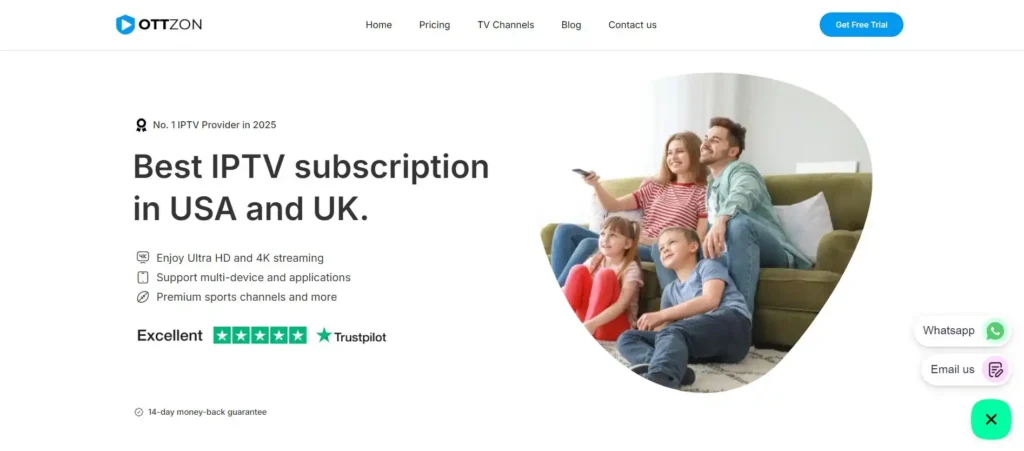
OTTZON subscription plans are tiered and flexible; exact simultaneous stream limits are not publicly stated. Users are encouraged to contact OTTZON to confirm if multi-device streaming is required.
How to Install IPTV on Firestick
Step 1: Enable Unknown Apps
On your Firestick, go to Settings > Applications > Unknown Apps Sources and toggle it to ON. This allows installation of apps not in the Amazon Appstore.
Step 2: Install the Downloader App
Go to the Amazon Appstore, search for “Downloader,” and install the app by AFTVnews. This tool lets you download applications directly to your Firestick by entering URLs.
Step 3: Download Your IPTV Player App
Open Downloader and enter the downloader code for your chosen app. Click here to check our IPTV player Downloader codes list.
Step 4: Add Your IPTV Subscription
Open your newly installed IPTV app. Choose whether you’re using an M3U playlist file or credential-based login. If using M3U, you’ll need your subscription’s M3U URL from your provider’s control panel. If using credentials, enter your username and password directly into the app. The app pulls your channel list and EPG data.
Step 5: Test a Few Channels
Launch a few channels to confirm the connection is working. You should see channel names and descriptions populate, and streams should play with minimal buffering.
Performance Tips for IPTV on Firestick
Internet Connection Speed
IPTV quality depends directly on your upload and download speeds. For HD streams, 10 Mbps download is the minimum; 4K streams require 25+ Mbps. Test your connection using a speed test app on any device connected to your network. If you’re sharing bandwidth with multiple household members, total available speed matters.
Wired Connection Beats Wi-Fi
If possible, connect your Firestick using an Ethernet adapter. Wired connections eliminate Wi-Fi interference and provide more stable bandwidth. This is especially valuable during peak evening hours when network congestion peaks.
Use a VPN Strategically
A VPN masks your IPTV traffic from your ISP but adds a small processing load. Quality providers with optimized IPTV servers lose minimal speed. If you experience buffering with a VPN enabled, try switching to a different server location or temporarily disabling the VPN during testing to identify whether it’s the culprit.
Clear App Cache Regularly
Over time, cached data accumulates. Every few weeks, go to Settings > Applications > Installed Apps, select your IPTV app, and choose Storage > Clear Cache. This frees up memory and often improves playback performance.
Optimize EPG Loading
If your IPTV app includes EPG settings, set it to update during off-peak hours (late night) rather than during normal viewing times. This prevents EPG downloads from interfering with streaming performance.
Conclusion
Setting up the best IPTV for Firestick involves choosing both a reliable player app and a legitimate subscription service. IPTV Smarters Pro, TiviMate, and OTT Navigator handle most Firestick setups well, while providers like DEIPTV and OTTZON offer stable access to comprehensive channel libraries and VOD content. Installation is straightforward—enable unknown apps, download your player, add your subscription credentials, and start watching.
Focus on the fundamentals: internet connection speed, app stability, EPG accuracy, and content availability in your preferred categories. Test your setup with a trial period if possible. A working IPTV Firestick setup genuinely expands your entertainment options, offering access to international channels, niche sports coverage, and on-demand libraries that traditional cable rarely provides.