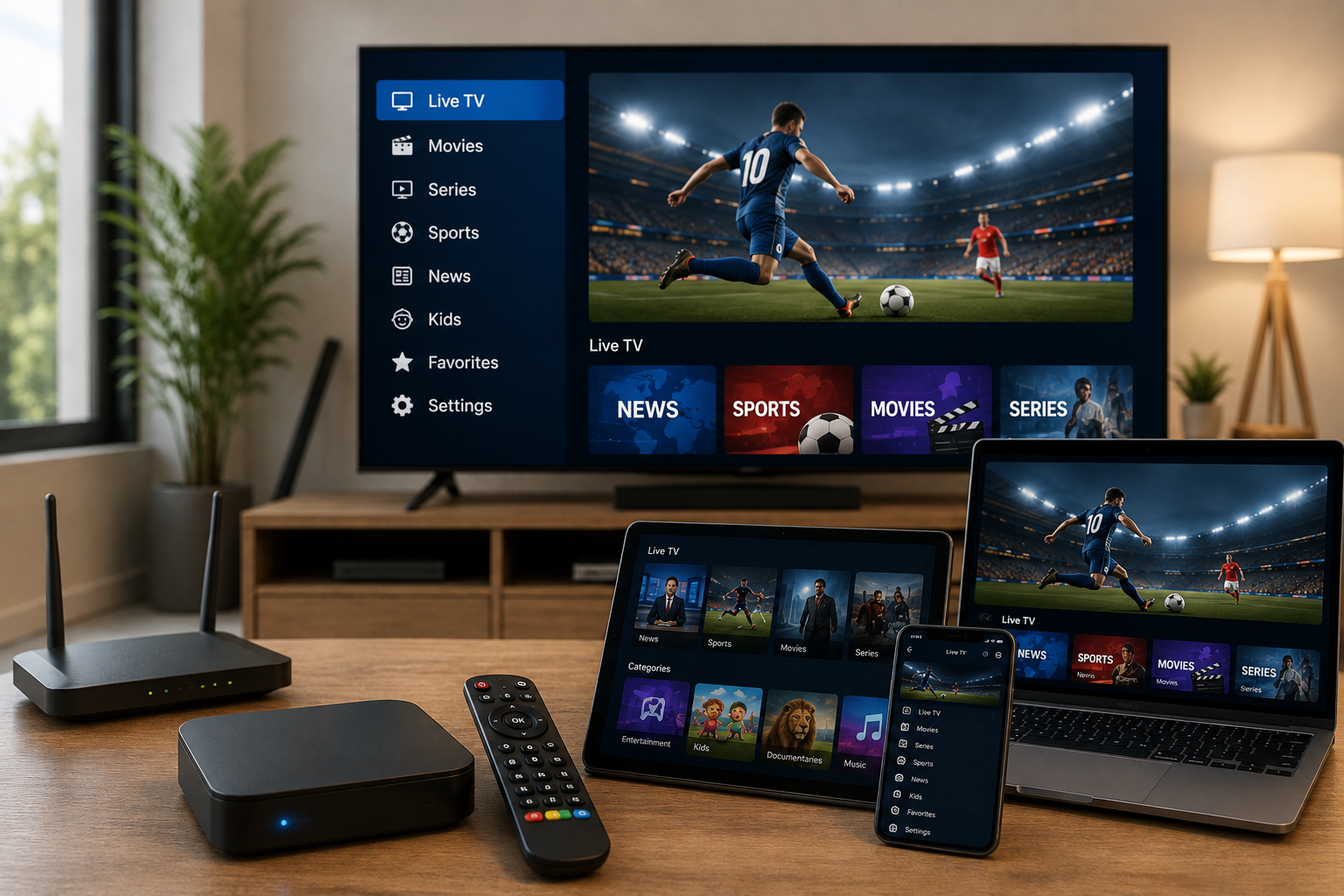
When you start looking for an IPTV subscription, you quickly see the same promises everywhere: thousands of channels, movies, series, 4K quality, multiple devices, low prices…
On paper, it all sounds great.
But after looking at different IPTV offers and, more importantly, the problems users actually run into, I think we often start with the wrong question. The goal isn’t to find the subscription with the biggest number of channels. It’s to find one that actually fits the way you watch TV.
Do you mainly watch French channels on a Smart TV? Are you using Android TV? Do you want to watch occasionally from your phone? Those situations can require very different setups.
And there’s one thing you should understand before doing anything else: an IPTV app and an IPTV subscription are not the same thing.
IPTV, an App, and a Subscription: What’s the Difference?
This is probably the first thing that confuses new IPTV users.
An IPTV app is basically a player. It provides the interface you use to access and organize the content supplied by a compatible IPTV service.
Depending on the app, you might have channels, categories, favorites, an EPG or TV guide, movies, series, and search functions.
But the app itself doesn’t create that catalog.
Here’s a simple example.
You install an IPTV app on your TV. The app opens normally; everything looks fine… but there is nothing to watch until you add the required login details or playlist from a compatible service.
It’s a bit like installing a music player without having any music library connected to it.
That’s why I always separate these two questions:
Which IPTV app should I use?
and
Which IPTV service should I use with it?
It sounds obvious once you understand it, but this distinction saves a lot of confusion during setup.
Don’t Choose Your IPTV App Before Checking Your Device
This is one of the first things I’d recommend doing.
Before searching for the “best IPTV app,” look at the device you’re actually going to use.
Do you have a Samsung Smart TV? An LG TV? An Android TV box? A Fire TV Stick? An Android phone? An iPhone? A Windows PC?
The answer can change which app makes sense.
An app that works beautifully on Android TV might not be available on your particular Smart TV, or its interface may work very differently. Some apps are also much easier to use on a television because their interface was designed around a remote control.
Personally, I’d rather use a simple app that works well with my remote than an app packed with features I’ll never touch.
So my rule is pretty simple:
Start with your device, then choose the app. Not the other way around.
What If the App Works but IPTV Keeps Buffering?
This is where things get interesting.
You install the app correctly, enter your login information, and start watching. A few minutes later, the video freezes.
The first thought is usually:
“My IPTV subscription doesn’t work.”
Not necessarily.
Your Internet connection plays a huge role in IPTV playback. Weak Wi-Fi, a router that’s too far from your TV, interference from walls, or several devices using a lot of bandwidth at the same time can all cause buffering.
Let’s say your TV is in the living room while your router is on the other side of the house. The internet might work perfectly on your phone, but the TV could still have a weak Wi-Fi signal.
That’s why I like testing the connection at different times of the day.
If IPTV works perfectly in the morning but starts buffering around 8 PM when everyone at home is streaming, gaming, or downloading files, the subscription isn’t necessarily the problem.
And when possible, I’d seriously consider Ethernet for a TV or Android TV box.
It’s not exciting. It’s just a cable.
But a wired connection can sometimes solve a problem that looked much more complicated.
4K, Full HD, HD: Don’t Focus Only on the Number
“4K” obviously gets attention.
But there’s a difference between a service advertising 4K and actually having a smooth 4K viewing experience.
To enjoy 4K properly, several things have to work together: your TV needs to support it, your connection needs to be stable enough, the actual stream needs to be available in that resolution, and your device needs to handle it correctly.
If your connection keeps freezing, a channel advertised as 4K isn’t much of an upgrade.
That’s why I’d look at stability first rather than getting too excited about “4K Ultra HD” written across a sales page.
The same applies to enormous channel lists.
20,000 channels sounds impressive.
But let’s be realistic. You’re not going to watch 20,000 channels.
If you mainly watch French channels, news, sports, and a few movies or series, those are the things that should be easy to find and reliable to watch.
A smaller catalog that actually fits your interests can be much more useful than a gigantic list full of channels you’ll never open.
Price Shouldn’t Be Your First Criterion
I understand why price gets so much attention.
When two offers look similar, and one is significantly cheaper, it’s tempting to go with the cheaper one immediately.
But before doing that, I’d look at what happens after you pay.
How do you contact support?
Are the subscription details clearly explained?
Is the setup process documented?
Does the service actually match the devices you want to use?
And, most importantly, do you understand what you’re paying for?
Saving a few euros isn’t much of a bargain if you then spend two hours trying to figure out why your app won’t connect.
A cheap subscription isn’t necessarily a bad subscription. But price alone tells you very little about the overall experience.
A Good IPTV App Should Be Easy to Use
People often focus on features.
I think the interface matters much more than they realize.
Imagine coming home, turning on the TV, and simply wanting to watch a channel.
You don’t want to click through six different menus just to find it.
You want to open the app, find your categories or favorites, select the channel and start watching.
That’s it.
Features such as search, favorites,s and an EPG can be genuinely useful. But they should make things easier, not more complicated.
An app with fewer features can actually be better if the important ones are quick and easy to use.
What About Using IPTV on Multiple Devices?
This is another question worth asking before choosing a subscription.
A typical home might have a Smart TV in the living room, another TV in a bedroom, an Android TV box, or several smartphones.
But there’s an important difference between supporting multiple devices and allowing simultaneous connections.
If you want to watch IPTV on two screens at the same time, check the exact conditions of the subscription.
Don’t assume that because an IPTV service works on Smart TV, Android TV, and smartphones, you can automatically use one account on all of them simultaneously.
Those are two different things.
What About IPTV Legality?
IPTV itself isn’t illegal.
The technology is simply a way of delivering video content over the Internet. Official television broadcasters and streaming platforms use Internet-based delivery too.
The real question is whether the service has the appropriate rights to distribute the content it offers.
An IPTV app doesn’t automatically make a service legal or illegal. The same type of player can potentially be used with different sources.
Before subscribing, look at who is providing the service, what information is available about it,t and how the content is being offered.
If an offer promises practically every premium channel, movie, and sporting event for an unusually low price while providing almost no information about the service, that’s a reason to slow down and check the details.
So, How Should You Choose an IPTV Subscription in 2026?
If I had to narrow everything down to a few practical checks, I’d start with my actual viewing habits.
1. What device am I going to use?
Smart TV, Android TV, Fire TV, smartphone, or computer. Start there.
2. What do I actually watch?
Don’t choose a service simply because it advertises the biggest catalog.
3. Is my Internet connection stable enough?
A high-speed Internet test doesn’t necessarily mean you have a stable Wi-Fi connection next to your TV.
4. Is the app suitable for my device?
Check compatibility and the setup process before subscribing.
5. Are the subscription conditions clear?
Look at the duration, supported devices, simultaneous usage, support,t and other important terms.
6. Is the provider transparent?
If you can barely find any information about the service before paying, I’d be cautious.
Why We Keep Things Simple at 4K Abonnement IPTV
That’s also the idea behind 4kabonnementiptv.fr.
We want the IPTV experience to be straightforward rather than unnecessarily complicated.
You choose a plan, use an application compatible with your device,ce and follow the setup instructions.
And if you’re completely new to IPTV, our installation guides are there to walk you through the process step by step.
Whether you’re using a Smart TV, Android TV, Fire TV, smartphone,e or computer, start by checking your device compatibility. It’s a small step, but it can save you a lot of frustration later.
At the end of the day, I wouldn’t search for “the best IPTV subscription” as if there were one universal answer.
I’d look for the best subscription for the way I actually use IPTV.
If you mainly watch French channels on your TV, stability, compatibility, and ease of use are probably more important than having an enormous catalog. If you use several devices, simultaneous-use conditions become much more important. And if you’re new to IPTV, having clear setup instructions can make a huge difference.
The number of channels displayed on a sales page?
Sure, it’s interesting.
But it’s definitely not the first number I’d look at.