
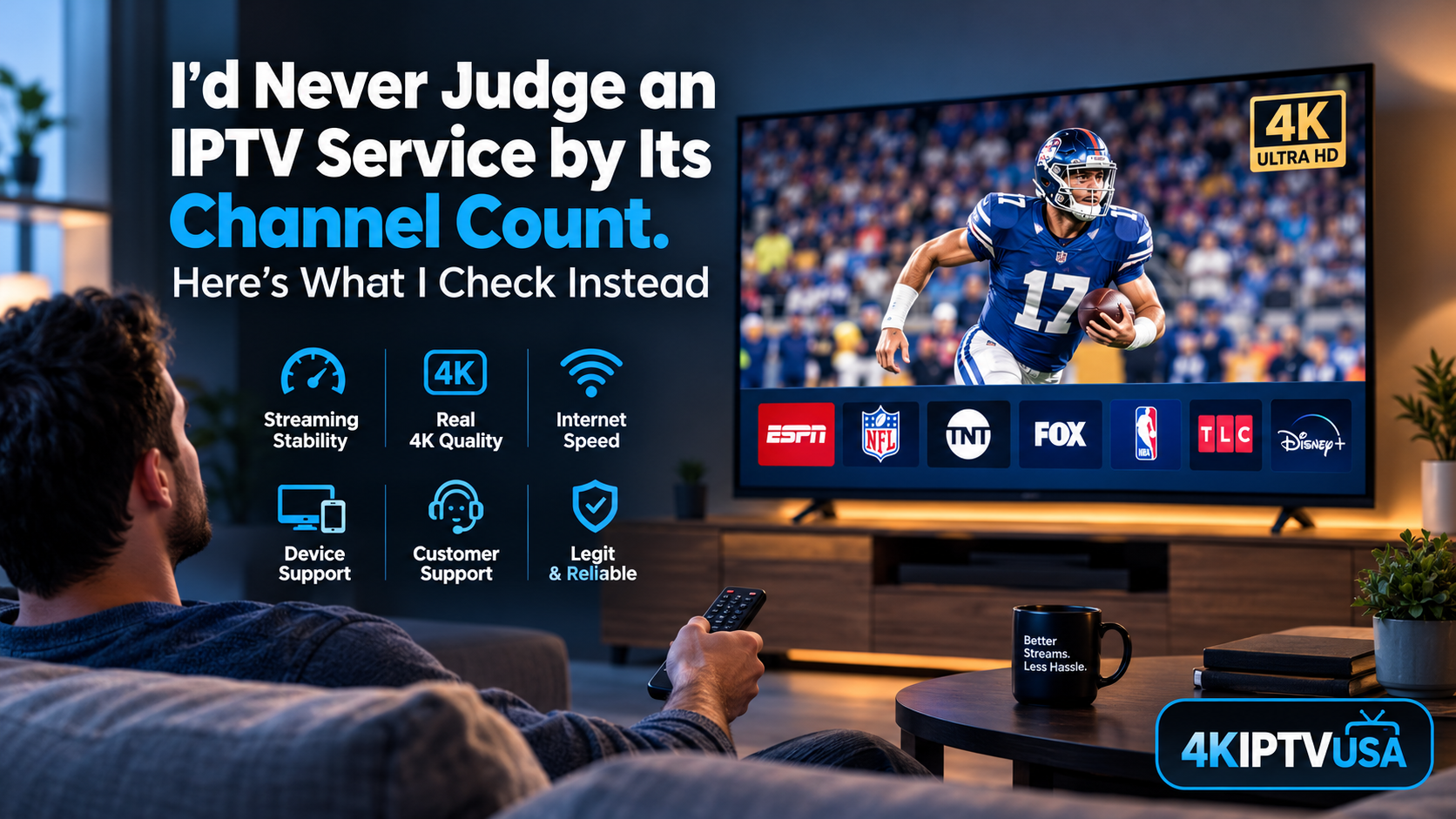
Nobody sits down at the end of a long day and thinks, “I wish I had 12,000 channels.” What we want is simple. The game comes on, the picture is sharp, and nothing freezes in the fourth quarter.
Yet that’s not how IPTV gets sold. Open any provider’s homepage and the first thing you’ll see is a giant number: 10,000 channels, 20,000, 50,000. It’s an easy figure to put on a banner, and it’s almost useless. Who watches 50,000 channels? Most of us have a dozen we actually open, and we’d happily trade the other 49,988 for a stream that doesn’t stutter during a playoff game.
So this is a different kind of guide. I’m not going to tell you which service is “the best.” I’m going to tell you how I’d test any of them, and what I’d walk away from. If you’re thinking about dropping cable, or you’ve already tried IPTV once and got burned, this should save you some money and a few angry evenings.
Why people are leaving cable in the first place
The cable bill problem is real, and you probably know it firsthand. You get quoted one price, then the bill shows up with a box rental, a “broadcast TV” fee, a regional sports fee, and a promotional rate that quietly expires after twelve months. The number you agreed to and the number you pay drift apart pretty fast.
People noticed. Nielsen’s The Gauge reported that in May 2025, streaming passed broadcast and cable combined for the first time, landing at roughly 45% of all US TV viewing. That’s not a niche habit. That’s the new default.
IPTV, which just means television delivered over your internet connection, sits inside that shift. No dish, no coax line, no technician window of “between 8 and 4.” You get live channels through an app on a screen you already own, usually on a monthly plan instead of a two-year contract.
Here’s the catch. Cutting the cord moves the weak point. With cable, a signal travels down a dedicated line to your house. With IPTV, your stream depends on the provider’s servers, your router, your Wi-Fi, and the device on your TV stand, all at once. Any one of those can ruin your night, which is why testing matters more than marketing.
Channel count is the wrong number to care about
Let me say it plainly. A huge channel list tells you how much content a provider has licensed or aggregated. It tells you nothing about how well they deliver it.
Think of a restaurant with a 40-page menu. Does that make you trust the kitchen? Usually the opposite. You want the place that does ten things well. The same logic applies here. Before I’d care about how many channels a service has, I’d want answers to a few boring questions. Do the channels I watch actually exist on it? Do they load quickly? Do they hold up when everyone else is watching too?
That last one is the real filter.
The stress test that matters
Here’s my honest take: peak-hour performance is the only feature that truly separates good services from bad ones. Anyone can stream a quiet Tuesday afternoon. The hard part is a Sunday night in football season, when thousands of people hit the same servers at the same moment.
Even the giants struggle with this. Remember the Jake Paul vs. Mike Tyson fight on Netflix in November 2024? Netflix has enormous infrastructure, and plenty of viewers still reported buffering and dropouts. If that can happen there, a smaller provider handling a big live event deserves some healthy skepticism. That’s not a knock on small providers. It’s just physics and server capacity.
So don’t take anyone’s word for how stable they are. Test it, and do it like this:
- Pick the busiest live event of your week and sign up for the shortest plan available.
- Watch the whole thing, not just the first ten minutes. Problems tend to show up late, when load peaks.
- Flip channels a few times and notice how long each switch takes. A few seconds is normal. Ten is a warning.
- Contact support during the event if you can, even with a simple question. See how fast they reply.
That last point gets overlooked. Support is the part of a service you don’t think about until something breaks, and by then it’s too late to find out it doesn’t exist. A slow, vague answer now is a preview of every future problem.
And skip the annual discount until you’ve done all this. Saving 30% on a service that stutters every weekend isn’t saving anything. You’re just prepaying for frustration.
“4K” is a word, not a guarantee
Next, resolution. I’d ask any provider a direct question: which channels and events actually stream in native 4K? Because here’s what often happens. A lot of content labeled 4K is regular HD that’s been scaled up. It looks fine, sometimes even good, but it isn’t what the label promises.
Real live 4K is still limited. Major sporting events get it more often than, say, a random news channel, and plenty of channels simply don’t broadcast in 4K at all, no matter who delivers them. So a provider who tells you straight, “4K is available on these channels, HD on the rest,” is showing you something valuable. Honesty about limits is a better sign than a page full of “ultra 4K everything.”
Speed, and why I’d overshoot
On bandwidth, Netflix recommends about 15 Mbps for 4K streaming. That’s for on-demand video, which can buffer ahead. Live TV can’t. There’s no cushion, so any dip in your connection shows up on screen immediately. I’d plan for 25 Mbps per stream, and more if your household has a few phones, a laptop, and a game console all competing for the same line.
Two other things are worth the effort:
Plug in an Ethernet cable if you can. Wi-Fi is fine until it isn’t, and “until it isn’t” usually arrives right at kickoff. A wired connection removes a whole category of problems.
Check your hardware. A five-year-old streaming stick can choke on 4K even when the stream itself is perfect. If your picture stutters but your speed test looks great, the device is a prime suspect. Newer Fire TV models and recent Smart TVs generally handle it fine.
About 4KIPTVUSA
Since I’m asking you to test providers, I’ll hold my own to the same standard.
4KIPTVUSA (4kiptvusa.it.com) is a live-TV-first service for US viewers. It covers sports, news, and entertainment in HD and 4K, with video on demand as a bonus rather than the main event. It supports Smart TVs, Fire TV and Firestick, Android, iOS, and PCs.
Run the stress test above before believing any of that, including me. I’d rather you try it on a short plan, judge it on a real game night, and decide with your own eyes. If it holds up, great. If it doesn’t, you’ve lost very little, and you’ve learned how to evaluate the next one.
Which devices are worth using
Quick tour, since people always ask.
A Smart TV is the simplest option. Install the app, sign in, done. The downside is that built-in TV processors age badly, so an older set may feel sluggish.
A Fire TV Stick is the budget favorite. It’s cheap, it’s portable, and it turns almost any TV with an HDMI port into a streaming box. Pay a little extra for a 4K model if that’s your goal, because the entry-level sticks don’t all support it.
Phones and tablets (Android and iOS) are great for catching a game when you’re away from the couch. Just don’t judge 4K quality on a six-inch screen. You won’t see the difference.
A PC or laptop works well for desk viewing or travel, and it’s also a useful troubleshooting tool. If a channel misbehaves on your TV but plays fine on your laptop, you’ve narrowed the problem to the device or the Wi-Fi in one minute.
The part nobody likes talking about
Licensing. It’s the awkward topic in this industry, so I’ll be direct.
Some IPTV services carry channels without permission from the rights holders. Those services tend to vanish overnight, sometimes with your prepaid months attached. Domains get seized, payment processors cut them off, and customers are left holding a subscription to nothing. It’s not just an ethics question. It’s a reliability question.
So ask where the content comes from. Ask what the refund policy is before you hand over a card number. Look for clear terms, a real support channel, and a company that answers plainly. A provider that gets defensive about any of those questions has already answered them for you.
And if a price looks too good to be true, like a full year of everything for the cost of one month of cable? Well. Ask yourself how that math works.